
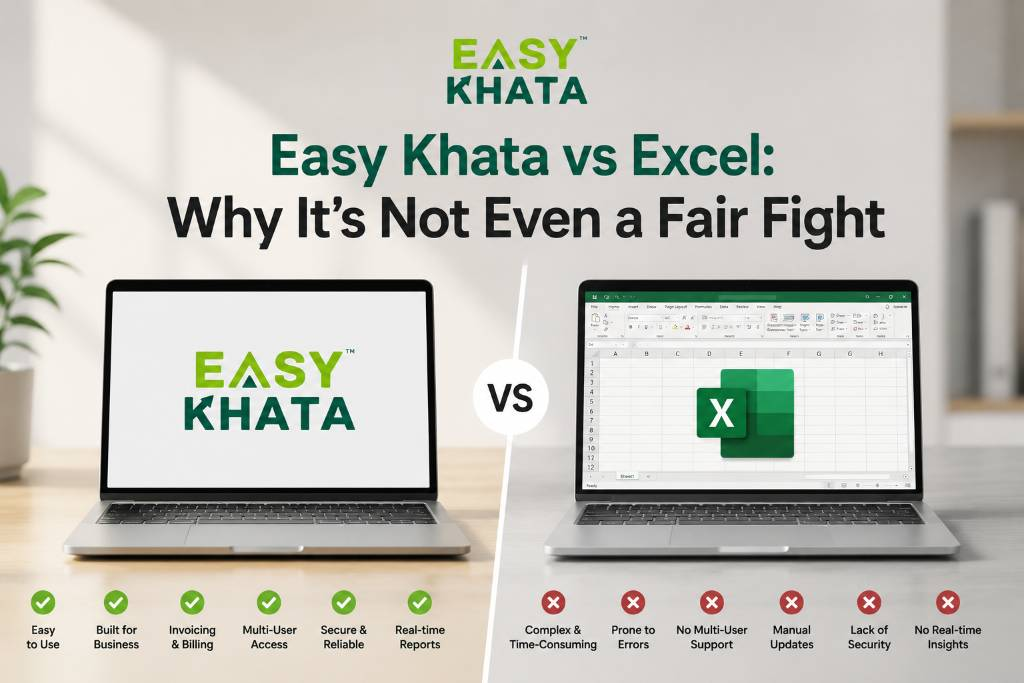
Excel has been a go-to tool for businesses for years.
You can create a sales sheet, maintain customer details, track expenses, or even make a simple invoice. For a small business with limited data, it can work quite well.
But as your business grows, things start getting complicated.
More customers. More products. More invoices. More payments. More employees.
Suddenly, managing everything through different Excel sheets doesn't feel so easy anymore.
That's where Easy Khata can make a real difference.
1. Excel Makes You Build Everything Yourself
With Excel, you have to create your own sheets, columns, formulas, and formats.
Want to track stock? Create a sheet.
Want to track customer dues? Create another sheet.
Want to manage expenses? Another sheet.
Over time, you may end up with several files just to manage one business.
Easy Khata is already built for business management. You can manage accounting, billing, inventory, sales, customers, and other business activities from one platform.
2. Billing Shouldn't Take Extra Work
Making bills in Excel may seem easy at first.
But when you have many customers every day, manually entering product details, prices, quantities, taxes, and totals can take a lot of time.
And let's be honest — the more you type manually, the more chances there are for mistakes.
With Easy Khata, you can create professional invoices more easily and keep your billing records organized.
So instead of spending your time working on spreadsheets, you can spend it serving your customers.
3. Stock Tracking Can Get Messy
Imagine having 500 products in your shop.
Now imagine tracking every purchase and sale in Excel.
One missed entry can make your sheet show 20 pieces in stock when you actually have only 15.
That's where things can get confusing.
Easy Khata helps you manage your inventory along with your sales and billing, so you can get a clearer picture of your stock without constantly updating multiple sheets.
4. Everything Doesn't Need Its Own Excel Sheet
One sheet for sales.
Another for purchases.
Another for expenses.
Another for customers.
Another for stock.
And then another one for payments.
Sounds familiar?
The problem isn't Excel itself. The problem is having too many separate records that you need to keep updated.
Easy Khata brings important business activities together in one place, so you don't have to keep jumping between different files to find basic business information.
5. Know What's Happening in Your Business
As a business owner, you want simple answers.
How much did I sell?
Who still has to pay me?
What's in stock?
What are my expenses?
How is my business performing?
When information is spread across multiple Excel files, finding these answers can take time.
With a business management platform like Easy Khata, important business information can be organized in one place, making it easier to keep track of what's happening.
6. Excel Is Good for Starting. Easy Khata Is Built for Growing.
We're not saying Excel is bad.
Excel is useful. It is flexible and works well for many tasks.
But your business shouldn't have to depend on endless sheets as it grows.
When your customers, products, sales, employees, and transactions increase, you need a system that can grow with you.
That's where Easy Khata comes in.
Instead of spending hours maintaining spreadsheets, you can manage your day-to-day business operations through one platform.
Conclusion
Excel can help you maintain data.
But running a growing business requires much more than maintaining data.
You need to manage billing, accounting, inventory, sales, customers, payments, and employees — without creating more unnecessary work.
So, the real question isn't:
“Can I manage my business with Excel?”
It's:
“Why should I keep doing everything manually when there's an easier way?”
Make the switch from managing endless spreadsheets to managing your business with confidence.
Less Excel. Less manual work. More control.
👉 Download Easy Khata Now: https://easykhata.app/download
📲 Follow Easy Khata on Social Media for More Tips & Business Tools
🔗 Instagram: https://www.instagram.com/easykhataapp/
🔗 Facebook: https://www.facebook.com/easykhata5
🔗 LinkedIn: https://www.linkedin.com/showcase/easykhataapp/?viewAsMember=true