
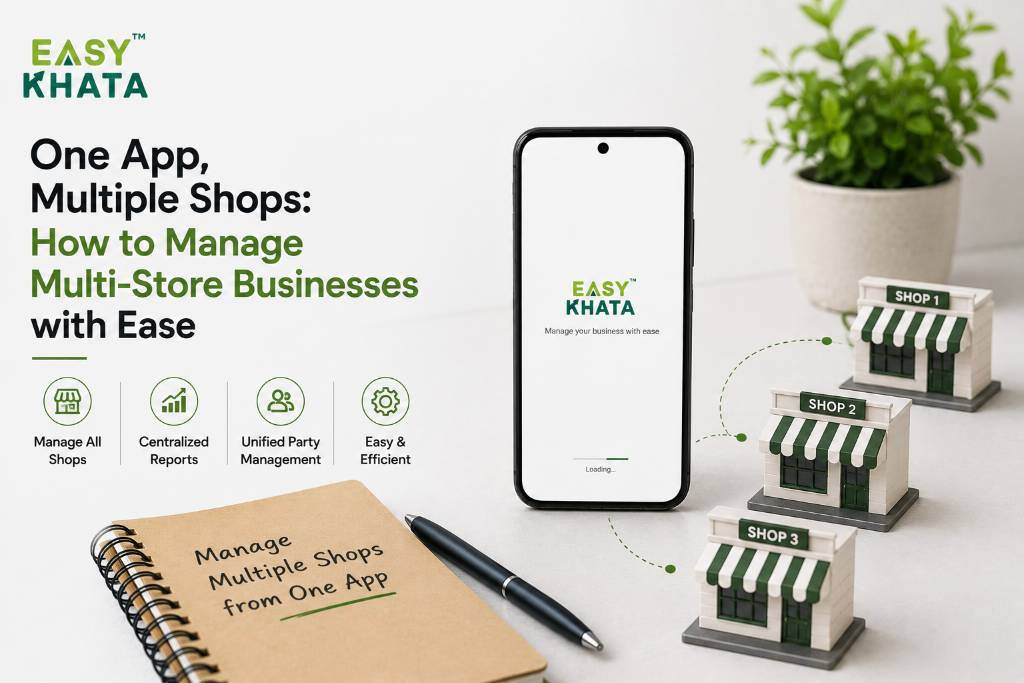
Opening your second shop is exciting.
Then comes the third.
Suddenly, you have more sales, more customers, more stock, more employees, and more bills to manage.
What worked perfectly for one shop can become difficult when you're managing multiple locations.
You may start asking:
“How much did each shop sell?”
“Which shop needs more stock?”
“What payments are pending?”
“How do I keep all my records organized?”
This is where having the right business management system can make things much easier.
1. Manage Multiple Shops From One Place
When you have multiple shops, maintaining separate notebooks or files for every location can become confusing.
You need a simple way to keep your business information organized.
Easy Khata brings important business activities such as billing, accounting, inventory, sales, and customer management together, helping you manage your growing business more systematically.
Instead of handling everything separately, you can work with one connected business system.
2. Keep Track of Each Shop's Sales
Every shop has its own daily sales.
When you're managing multiple locations, knowing how each shop is performing becomes important.
You may want to know which location is selling more, which products are popular, or where you need to focus more attention.
Keeping sales information organized helps you understand what's happening across your business and make better decisions.
3. Manage Stock Without the Confusion
Inventory becomes more challenging when you have multiple shops.
One location may be running low on a product while another has plenty of stock.
Without proper records, it can be difficult to know where your products are and what needs to be reordered.
Easy Khata helps businesses manage inventory along with sales and billing, making it easier to keep track of stock and avoid unnecessary confusion.
4. Keep Customer and Payment Records Organized
Different shops may have different customers and payment transactions.
If you're maintaining everything manually, finding the right customer details or checking pending payments can take time.
With organized digital records, customer and transaction information becomes easier to manage.
Easy Khata helps bring customer management, sales, billing, and accounting together, so you can keep important business information more structured.
5. Keep Your Business Accounts in Order
When you have multiple locations, your financial activity also increases.
More sales, more purchases, more expenses, and more transactions mean more records to maintain.
Easy Khata includes accounting and GST-related features, helping businesses keep their financial information organized alongside their daily operations.
This can make it easier to understand your overall business instead of looking at scattered records.
6. Grow Without Creating More Work
The purpose of opening multiple shops is to grow your business — not to create more paperwork.
As your business expands, you need systems that can help you manage the extra workload.
Easy Khata brings together essential business operations such as accounting, billing, inventory, sales, CRM, and payroll and HR, helping create a more organized way to manage your business.
Instead of spending all your time coordinating different records, you can focus more on your customers, team, and growth.
Conclusion
Managing one shop is already a big responsibility.
Managing multiple shops shouldn't mean multiplying the confusion.
With the right system, you can keep your sales, stock, customers, billing, and accounts more organized as your business grows.
Easy Khata helps bring essential business operations together, giving you an easier way to manage your growing business.
One business. Multiple shops. One easier way to manage it.
👉 Download Easy Khata Now: https://easykhata.app/download
📲 Follow Easy Khata on Social Media for More Tips & Business Tools
🔗 Instagram: https://www.instagram.com/easykhataapp/
🔗 Facebook: https://www.facebook.com/easykhata5
🔗 LinkedIn: https://www.linkedin.com/showcase/easykhataapp/?viewAsMember=true